
SMPP Throughput: Planning TPS and Binds
Why a bind rated at 100 TPS does not give you 100 messages per second, how the window size governs real throughput, and how to size binds for a peak.
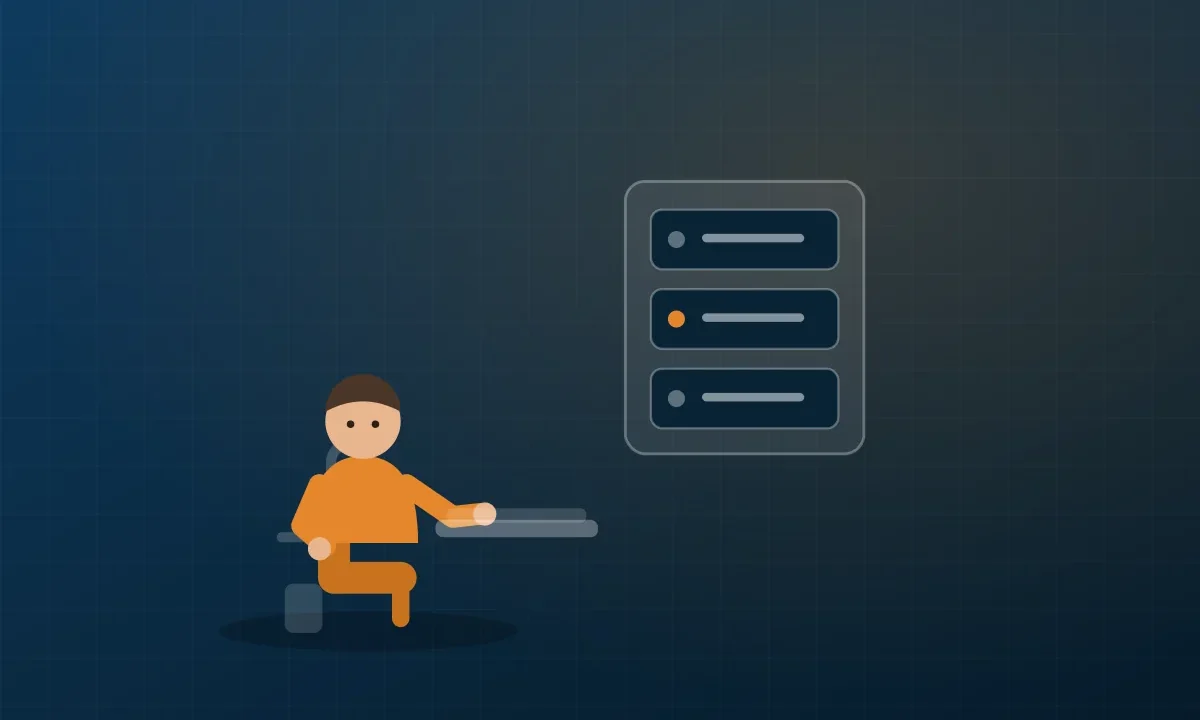
A supplier provisions your bind at 100 TPS. You send at 100 messages per second and see far less throughput than expected, with latency climbing. The bind is not broken and the supplier is not throttling you. The limit you are hitting is the window.
Submit rate is not throughput
SMPP is a request-response protocol over a TCP connection. You send a submit_sm, the SMSC replies with a submit_sm_resp. A provisioned rate of 100 TPS is a ceiling the platform enforces. Whether you can reach it depends on how many submissions you allow to be in flight at once.
If your client sends one message and waits for the response before sending the next, your throughput is governed entirely by round-trip time. At 50 ms RTT that is 20 messages per second, no matter what the bind is rated for. The 100 TPS ceiling is irrelevant because you never approach it.
The window
The window is the number of submissions you allow to be outstanding, sent but not yet acknowledged. With a window of 1 you get the serial behaviour above. With a window of 10 you can have ten submissions in flight, and throughput becomes roughly the window divided by the round-trip time.
The arithmetic is simple and worth doing before you tune anything:
Achievable TPS ≈ window size ÷ round-trip time in seconds
At 50 ms RTT, a window of 1 gives about 20 TPS. A window of 5 gives about 100. A window of 20 gives about 400, at which point the provisioned ceiling, not the window, is your limit.
So the first thing to establish is your actual RTT to the supplier’s SMSC, and the second is what window they permit. A window larger than the supplier accepts causes rejections; a window smaller than you need silently caps you well below what you are paying for.
Sizing for a peak, not an average
Average throughput is the wrong planning number. Work out the peak.
Take your busiest realistic minute and divide by 60. A service sending 90,000 one-time passwords in the peak hour is averaging 25 per second, but if half of those land in a ten-minute window the real requirement is closer to 75 per second. Size for that, then leave headroom, a queue that only just keeps up at peak has no capacity to clear a backlog after any interruption.
For OTP traffic, treat delay as failure. A code that arrives after the user has given up did not work, even though it delivered.
Multiple binds
When one bind is not enough, suppliers usually permit several. Three things to settle:
Is the rate per bind or per account? This is the important one. Four binds at 100 TPS each is 400 TPS if the limit is per bind, and 100 TPS spread across four connections if it is per account. Ask explicitly.
Transmitter, receiver, or transceiver? A transceiver bind carries both submissions and incoming receipts. Separating them, dedicated transmitter binds plus a receiver bind for DLRs, keeps a burst of receipts from competing with your submissions.
How do you distribute across binds? Round-robin is fine. What matters more is that a failed bind is detected and its share redistributed rather than its messages queueing forever.
Keeping the session healthy
enquire_link is the keepalive. Send it on an interval, 30 to 60 seconds is common, and treat a missed response as a dead session rather than waiting for TCP to notice, which can take minutes. Reconnect with a backoff rather than a tight loop, and make sure your reconnect closes the old session properly or you will collect ESME_RALYBND rejections.
Reading the symptoms
- Throughput flat well below the provisioned rate, latency stable. Window too small, or RTT higher than you assumed. Do the arithmetic above.
- Throttling errors. You are genuinely at the ceiling. Back off and either buy more capacity or add binds.
- Throughput fine, latency climbing over time. Queueing downstream of the SMSC. Not something a bigger window fixes.
- Periodic stalls that resolve themselves. Usually session problems, check your keepalive interval and reconnect logic before blaming the route.
Measure before tuning. RTT, window size, achieved TPS and rejection rate, logged together, turn all of this from guesswork into arithmetic.
Bind provisioning and capacity are set per account, see SMPP integration or request a test route to size yours.
Keep reading
Related insights

SMPP Error Codes Explained
What the common SMPP command_status values actually mean, which ones are your fault, which are the supplier's, and what to do about…
SMS Delivery Receipts and Fake DLRs
A delivery receipt is a claim, not proof. How DLRs are generated, what the status fields mean, and the patterns that show…

SMPP vs HTTP API: Which Connection Should You Use for A2P SMS?
SMPP vs HTTP API: both reach the same routes. The choice is about session model, throughput and how your platform is built,…